Code Generator
The best way to run it day to day
Any device you already own generates a single-use QR code. It issues up to 20 stamps at once, chosen as you issue it, and can only be redeemed once.

Demo
This is what running Flex Rewards actually looks like — how a stamp gets issued, what your staff see, and what your customer sees. No sales call and no contact form: try it yourself whenever you are ready.
Before you open the doors
Building the card takes about 30 minutes, in the browser — nothing to install and nothing to wait on an onboarding call for.
Choose how many stamps earn the reward and what the reward is. It is all in the browser — nothing to install, no hardware to buy, and about 30 minutes from start to finish.
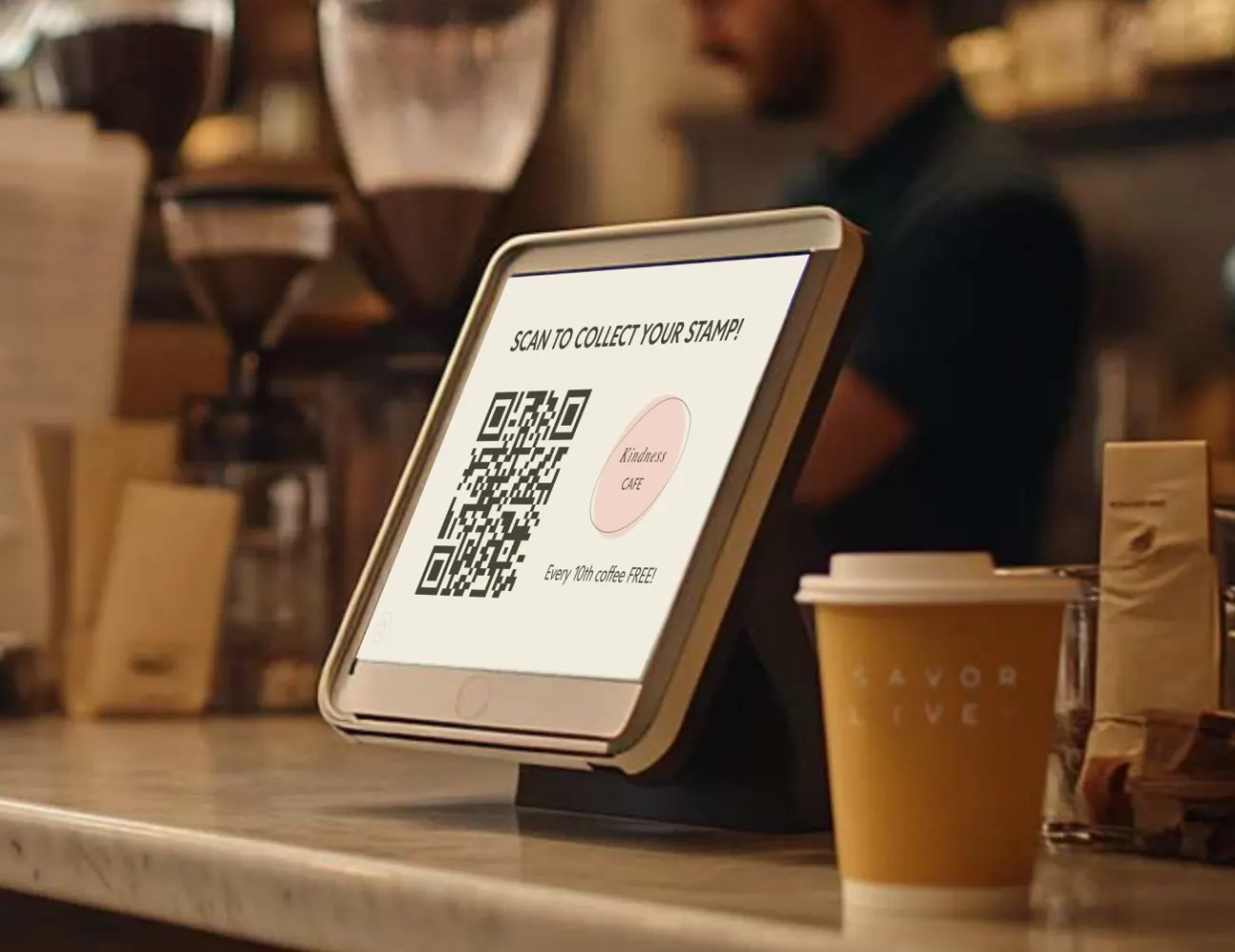
Any phone or tablet you already own becomes the stamping device. Busy counter? Stand a kiosk on the bar and it shows the code itself, with no staff involved.
Your customer points their camera at it — no app, and one tap to sign in. The card updates while they are still standing there, and they can see how close the reward is.
One stamp, both sides of the counter
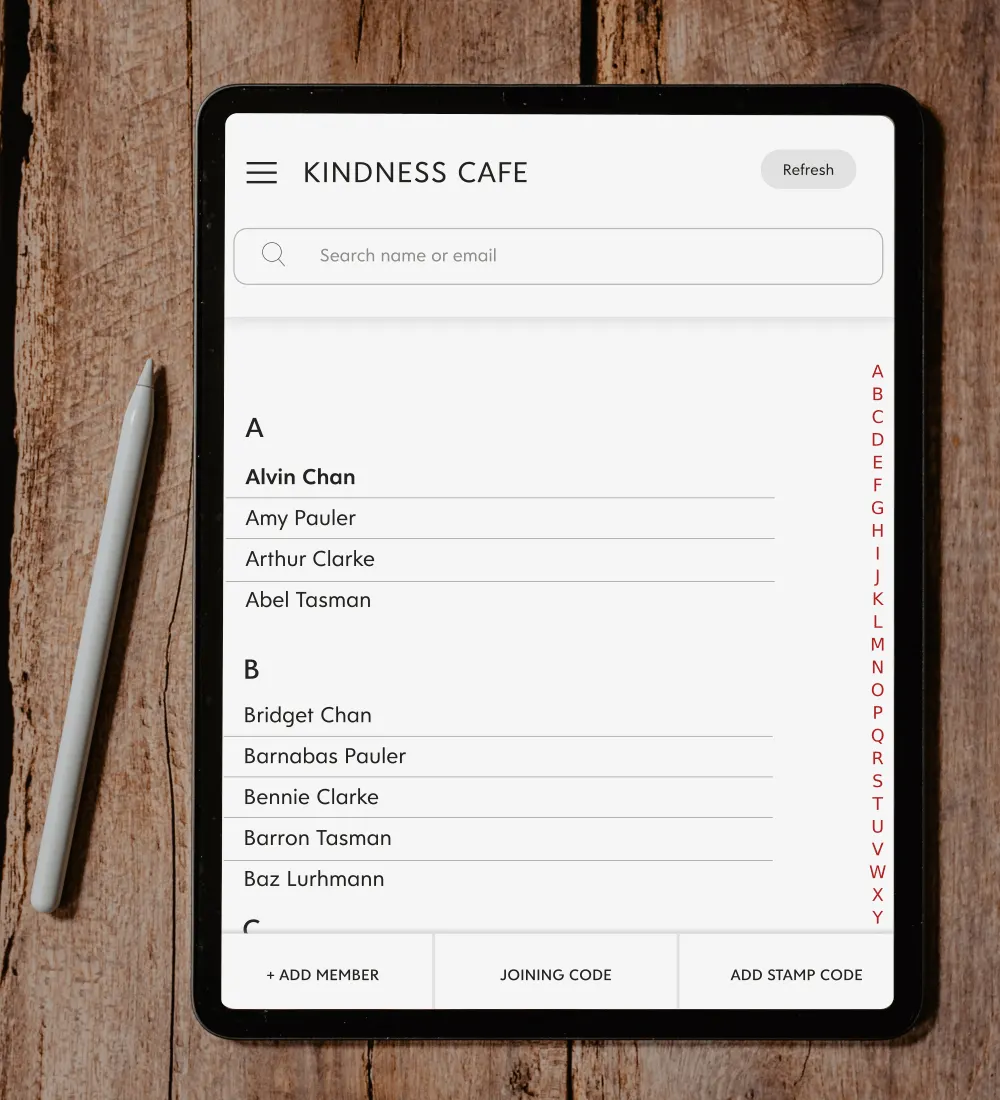
What your staff do
A phone, a tablet, a laptop — any device you own generates the code. Each one is single-use, issues up to 20 stamps chosen at the moment you issue it, and refreshes after about 90 seconds. There is also a browser Control Panel for looking a customer up, seeing how close they are to a reward, and adding or removing stamps by hand.
Removing a stamp matters more than it sounds: it is the fix when one gets issued by mistake.
What your customer does
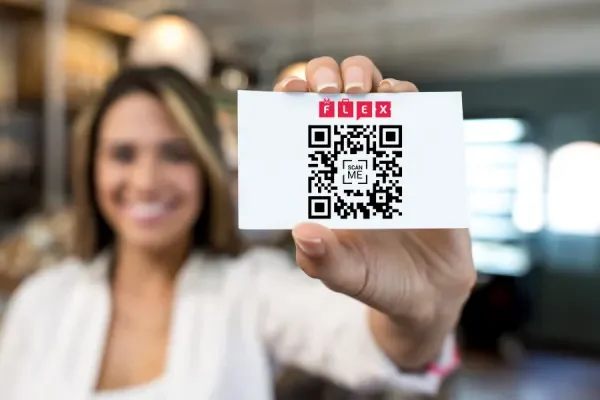
No app to install — the card opens in their browser and they sign in with one tap. It updates while they are still standing at the counter and shows them how close the reward is. Rewards can land along the way, not only at the end.
One customer can hold several of your cards at once — a coffee card and a food card, say — and see both in the same place.
Why it cannot be gamed
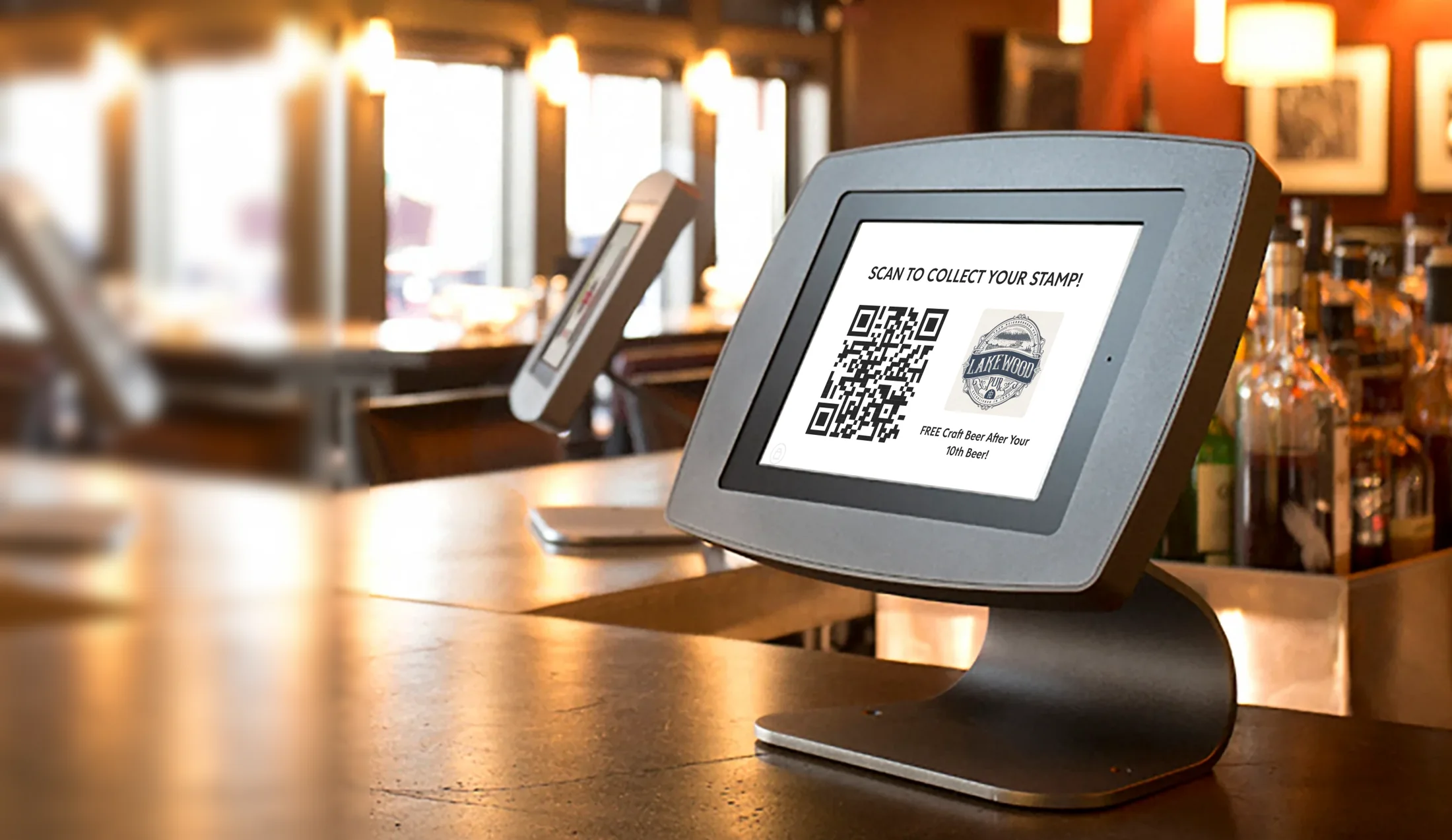
A code from the Code Generator is single-use: once it has been scanned it is spent, so a photograph of it is worth nothing. A kiosk code refreshes regularly and every code it shows is single-use too, which is what makes an unattended screen safe to leave out.
There is a cooldown between one customer’s scans as well: 12 hours to start with, and we will turn it up, down, or off depending on how your business runs.
In summary
Pick the one that fits your counter — most businesses end up using more than one.
The best way to run it day to day
Any device you already own generates a single-use QR code. It issues up to 20 stamps at once, chosen as you issue it, and can only be redeemed once.
Best for a busy counter
Stand a tablet on the counter and it displays a rotating code that customers scan themselves, with no staff interaction at all.
Best when you are managing accounts, not queueing
A browser tab, nothing to install. Search for a customer, see their stamp history, and add or remove stamps by hand. The most hands-on of the three.
Try it yourself
Build your own card, generate a code and scan it yourself — that answers more in ten minutes than any demo call could. One price with everything included, and you can cancel at any time.
Set up in 30 minutes. Card details required, nothing charged for 30 days. See full pricing.
Running loyalty across more than one venue — a shopping center, a downtown district, a market — rather than a single business? See Digital Passport
Flex Rewards
Usually replies instantly
Hello — ask me anything about how Flex Rewards works, what it costs, or how to get started.